It seems that acrylic is not an ideal material for making a keyboard plate: the thinnest available acrylic boards (at least from Elecrow) seem to be 2mm, which keeps the keyboard switches from clicking in firmly into the plate hole and they keep on falling out. I really need 1.5 mm to get my switches in firmly. So it looks like I’m going to have to go for 3D printing, and the barrier to entry for making 3D print models is quite a bit higher than it is for just using Inkscape to draw a 2D layout for an acrylic plate.
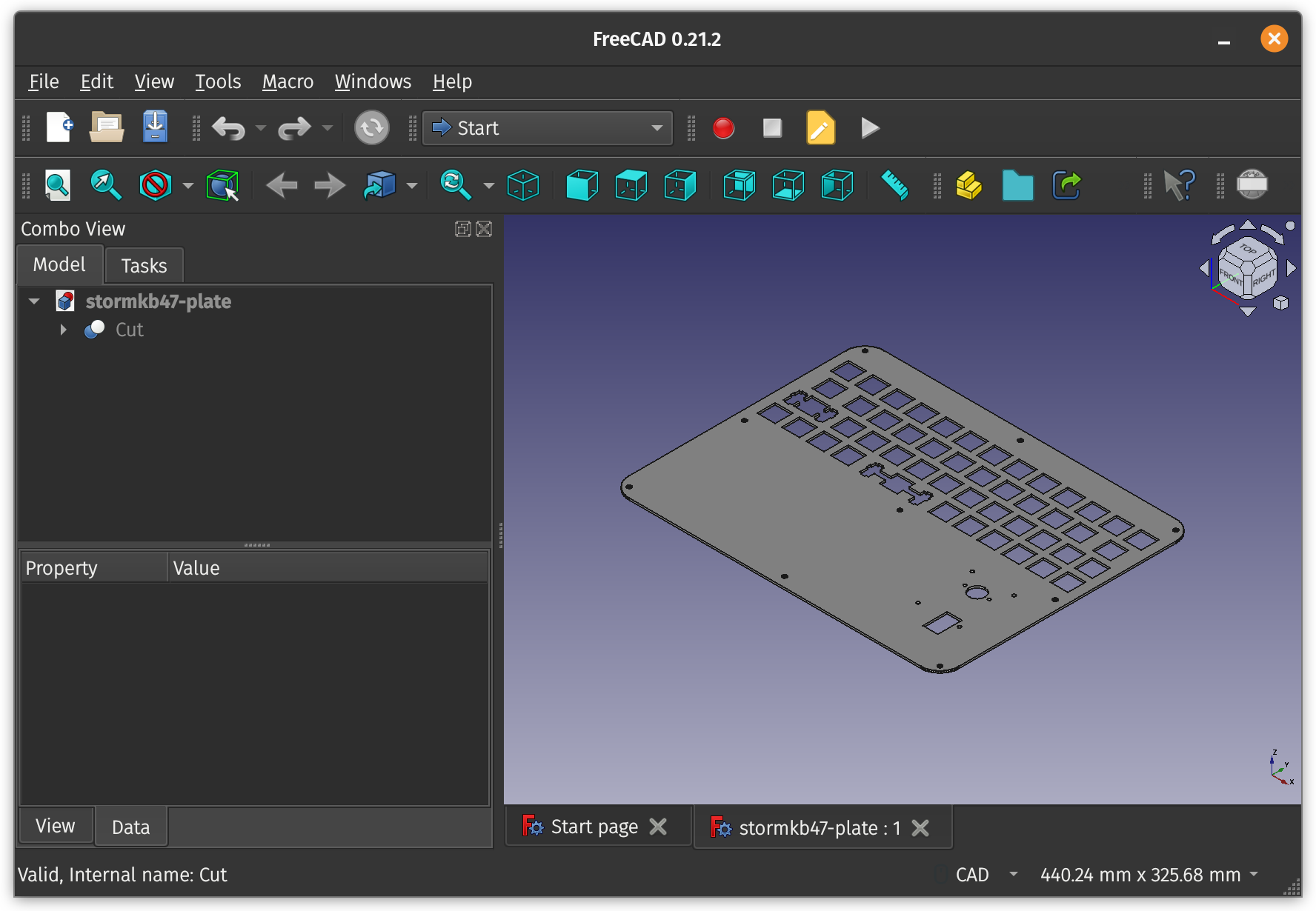
Fortunately, it seems that Swillkb has a video that shows how one can use FreeCAD to make an STL from an SVG by extrusion. While I’m at it, I might as well make holes for this trackpoint I got for the equivalent of about US$20 on AliExpress.
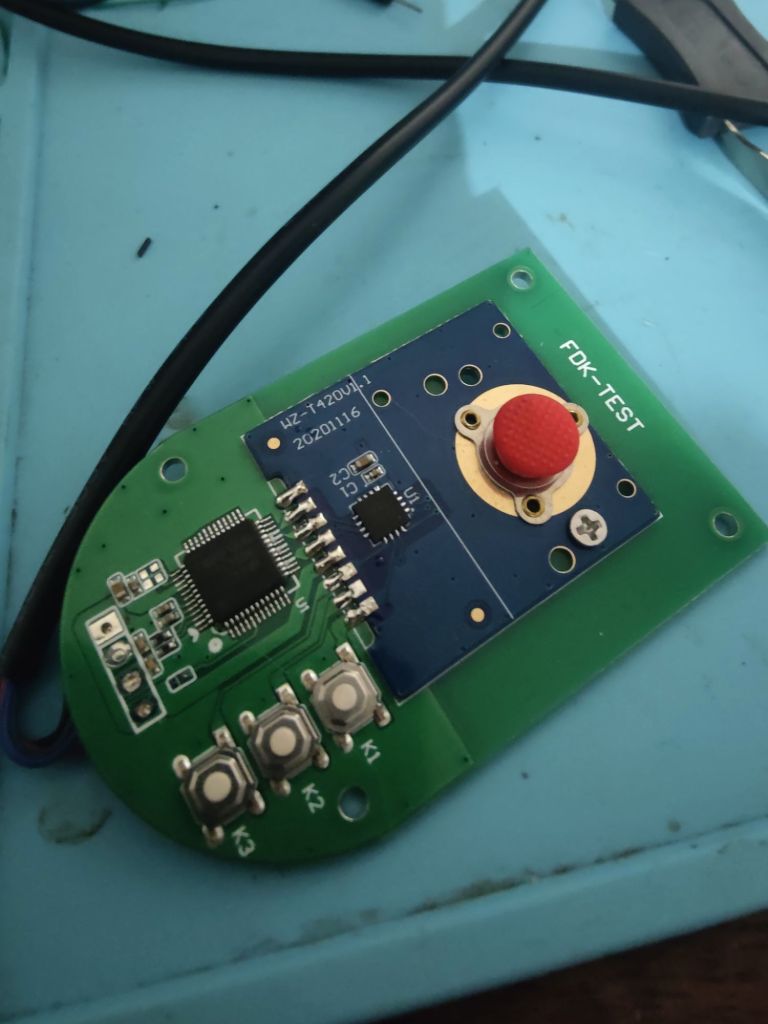
Those mouse buttons are rather annoying, K3 is actually the left mouse button. I’ll buy another one later on and figure out how to interface it to the microcontroller after desoldering the baseboard with its USB microcontroller and the switches. I’ll need to learn how to do more advanced 3D CAD modelling to make a proper plate that includes nice bits like clean switches for the mouse buttons.


Leave a comment